

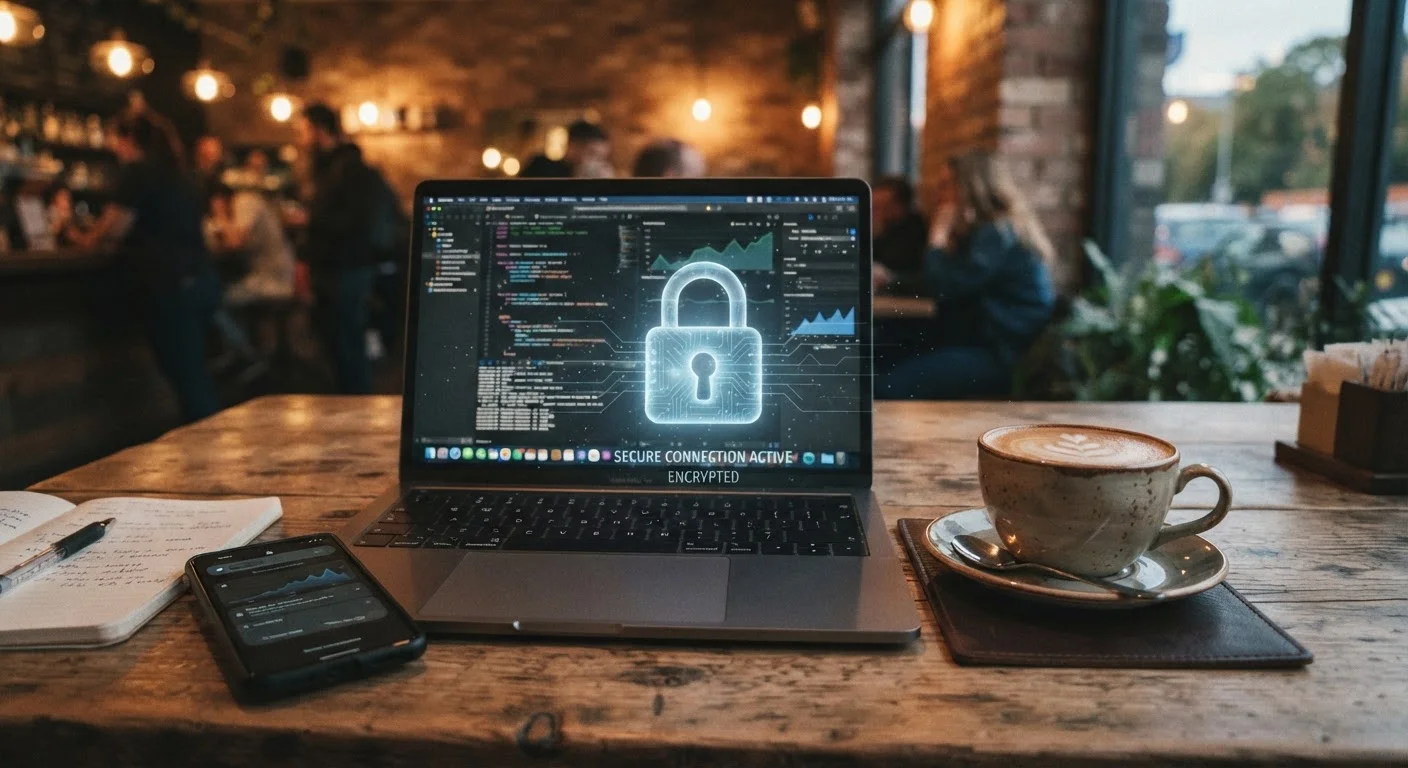
Why Public Wi-Fi Is a Real Security Risk
Free Wi-Fi at airports, coffee shops, hotels, and libraries is genuinely useful - but these networks come with meaningful security trade-offs that most users overlook. Unlike your home network, public Wi-Fi is typically open and unencrypted, meaning traffic flowing between your device and the router can potentially be observed by others on the same network.
One of the most common threats is a man-in-the-middle attack, where a bad actor positions themselves between your device and the network to intercept data. Equally common are rogue hotspots - fake networks with legitimate-sounding names designed to trick you into connecting. Once connected, the operator can monitor everything you send and receive.
For a broader look at how everyday digital habits create exposure, see habits that quietly undermine your online security. And if you use public Wi-Fi while traveling, the guidance in keeping your devices and data safe while traveling is directly applicable.
Best Practices for Staying Secure on Public Networks
Applying a few consistent habits dramatically reduces your risk on any public network. These practices work on phones, tablets, and laptops alike.
Use a VPN whenever connecting to public Wi-Fi
A VPN (Virtual Private Network) encrypts all traffic between your device and the internet, making it unreadable to anyone snooping on the network. This is one of the single most effective protections available for public connections. Without one, even browsing activity on HTTPS sites can leak metadata.
Verify the exact network name with staff before joining
Rogue hotspots - sometimes called "evil twin" networks - mimic legitimate network names to trick users. Connecting to "CoffeeShop_Free" instead of the legitimate "CoffeeShopWiFi" could hand your session data to an attacker. A quick confirmation with an employee takes seconds and eliminates this risk.
Disable auto-connect and file sharing before joining public networks
Auto-connect features can silently attach your device to any previously visited or saved network - including spoofed ones. File sharing settings, if left on, can expose local files to others on the same network segment. Both are off-by-default behaviors worth confirming in your device settings.
Avoid accessing sensitive accounts on public networks without a VPN
Banking apps, healthcare portals, and work email are high-value targets. Even on HTTPS connections, session cookies can sometimes be intercepted through sophisticated attacks. If a VPN isn't available, defer those sessions until you're on a trusted network or mobile data.
Keep your operating system and apps fully updated
Many real-world attacks exploit known vulnerabilities in outdated software - flaws that manufacturers have already patched. Keeping your device updated closes those doors before attackers can walk through them. This applies to both the OS and individual apps, particularly browsers.
Quick Steps You Can Take Before Your Next Connection
You don't need to be a cybersecurity expert to protect yourself on public Wi-Fi. The actions below are straightforward, take only minutes, and meaningfully reduce your exposure.
For a more comprehensive review of your overall security posture, the personal online security audit checklist is a practical next step. General digital safety guidance is also available through our Online Safety hub.
The content on this site is provided for informational purposes only and should not be considered a substitute for professional advice. While we strive to provide accurate and up-to-date information, we make no guarantees regarding its completeness or accuracy. Always consult a qualified professional for advice specific to your circumstances before making any decisions.