

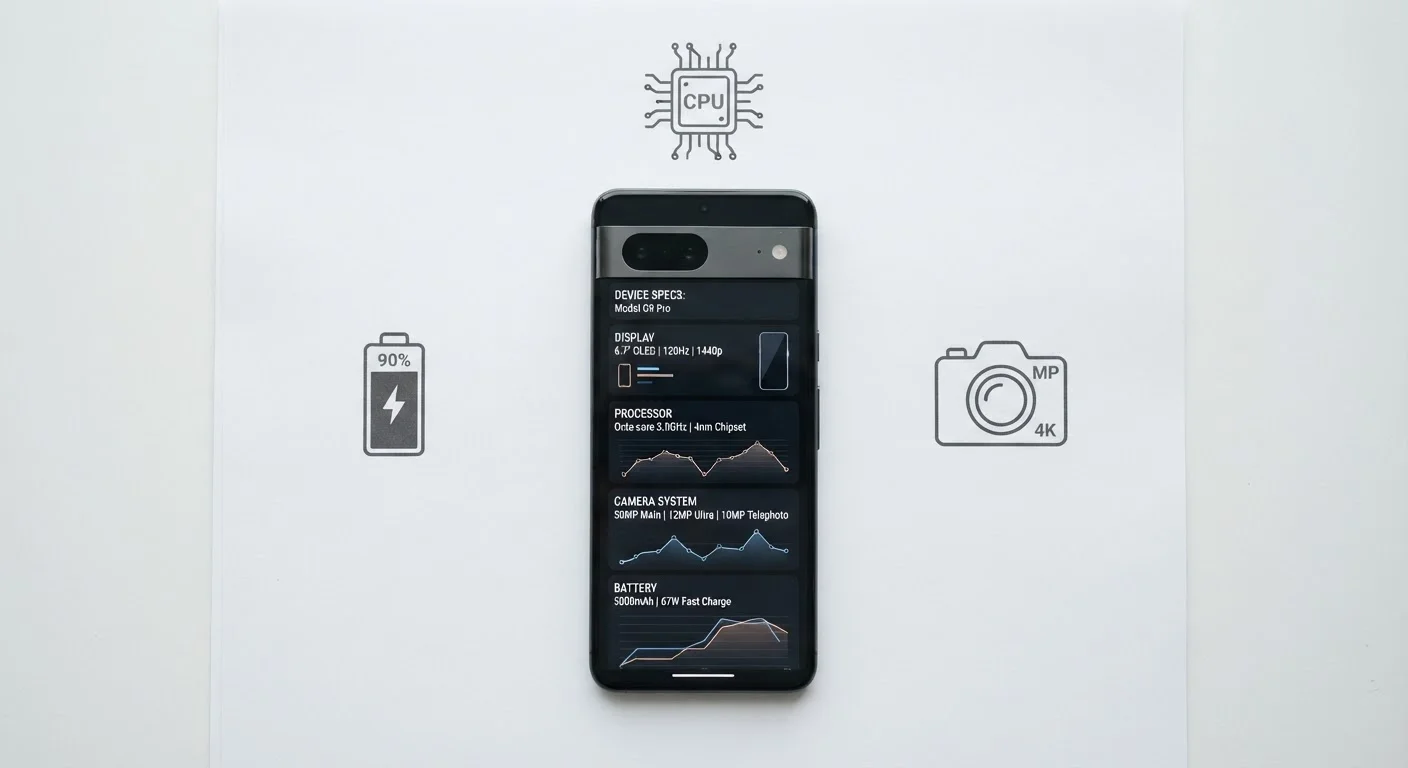
The Specs That Make a Real Difference
Shopping for a phone means wading through a wall of numbers - gigahertz, gigapixels, gigabytes. Some of those numbers genuinely predict how a phone will feel in your hands every day. Others are marketing shorthand that rarely translates into noticeable improvement. Knowing which is which can save you money and frustration.
| Minimum RAM for smooth multitasking | 6 GB (General industry consensus among device reviewers) |
| Refresh rate threshold for noticeable smoothness | 90-120 Hz |
| Key camera quality factors | Sensor size, aperture, and image processing - not megapixels alone |
| What processor generation affects | Speed, efficiency, and years of software support |
| Battery capacity unit | mAh (milliampere-hours) |
| Most overhyped camera spec | Megapixel count |
Battery Capacity and Efficiency
Battery capacity is measured in milliampere-hours (mAh) - the higher the number, the more charge the battery can store. But raw capacity only matters alongside efficiency. A phone with a well-optimized processor and software can outlast a phone with a bigger battery that runs inefficient code. When evaluating battery life, look for real-world endurance benchmarks from independent reviewers rather than the manufacturer's quoted hours.
Processor Generation
The chip inside a phone determines how quickly it handles apps, gaming, photography processing, and multitasking. Newer chip generations typically deliver meaningful improvements in both speed and energy efficiency. A mid-range chip from a current generation will often outperform a flagship chip from three years ago. Prioritize recency over the raw core count - eight cores sounds impressive, but how they're designed matters more than how many exist.
RAM
Random-access memory (RAM) determines how many apps a phone can hold ready in the background before it starts closing them. In practice, 6 GB of RAM is a reasonable floor for smooth multitasking today; 8 GB or more gives noticeable headroom. Below that threshold, you'll notice apps reloading from scratch rather than resuming where you left them.
Display Refresh Rate
Refresh rate, measured in hertz (Hz), describes how many times per second the screen redraws. A 60 Hz display updates 60 times per second; a 120 Hz display updates twice as fast. The jump from 60 Hz to 90 or 120 Hz produces visible, tactile smoothness when scrolling - most people notice the difference immediately once they've experienced it. Higher refresh rates do consume more battery, so look for phones that adapt the rate dynamically based on what's on screen.
Specs You Can Safely Deprioritize
Raw Megapixel Count
Camera megapixels - the number of individual light-capturing pixels in the sensor - are one of the most misrepresented specs in phone marketing. A 200-megapixel camera does not automatically take better photos than a 50-megapixel camera. Sensor size, aperture, image processing software, and lens quality all have far greater impact on photo quality than megapixel count alone. A phone with a well-engineered 12-megapixel camera routinely outperforms a phone with a poorly engineered 108-megapixel camera in low-light and real-world conditions.
Storage Speed Ratings
Phones list internal storage using terms like UFS 3.1 or UFS 4.0. While faster storage does exist on a spectrum, the practical difference is only perceptible during large file transfers or intensive gaming loads - scenarios most users rarely encounter. For everyday use, you're unlikely to feel the gap between storage tiers.
Number of Rear Cameras
A triple or quad rear camera setup sounds like more capability, but the additional lenses are often very low quality - used primarily to add depth-sensing data or an ultrawide that performs poorly in anything but bright light. Two excellent lenses - a main and a telephoto - will outperform four mediocre ones for most photography needs. Check the aperture and sensor size of each lens rather than counting lenses.
Once you understand which specs actually translate to daily experience, it's worth pairing that knowledge with how you use your device. See how your phone's default settings may be working against you - many out-of-box configurations undo the benefits of even capable hardware. And if you're planning an upgrade, read what to do before trading in your old phone to protect your data and maximize its value.
The content on this site is provided for informational purposes only and should not be considered a substitute for professional advice. While we strive to provide accurate and up-to-date information, we make no guarantees regarding its completeness or accuracy. Always consult a qualified professional for advice specific to your circumstances before making any decisions.