

Why These Terms Matter
Shopping for an internet plan - or even calling your ISP to troubleshoot a problem - is much easier when you can speak the language. Terms like Mbps, latency, and data cap appear on every plan comparison page, yet they're rarely explained. This reference defines the terms you'll encounter most often, in plain language, so you can evaluate options confidently.
For a deeper look at how different connection technologies compare, see Internet Service Types Explained. If you want to match a speed figure to your household's actual habits, What Internet Speed Do You Actually Need? walks through that calculation.
Speed, Bandwidth, and Latency at a Glance
Speed and bandwidth are often used interchangeably, but they describe slightly different things. Speed refers to how fast data moves; bandwidth is the maximum capacity of your connection. If bandwidth is the size of a highway, speed is how fast vehicles travel - and latency is how long it takes for the first car to arrive after the green light.
Download speed - how quickly data comes to your device - affects streaming, web browsing, and file downloads. Upload speed - how quickly data leaves your device - matters for video calls, cloud backups, and sending large files. Most residential plans prioritize download, so upload speeds are often significantly lower.
| Standard speed unit | Mbps (megabits per second) |
| Good latency for video calls | Under 100 ms |
| Wi-Fi bands in common use | 2.4 GHz and 5 GHz |
| Typical home data cap range | 1-1.5 TB per month (varies by plan) |
| Upload vs. download | Most plans offer faster download than upload speeds |
Latency is especially important for real-time activities. A video call on a connection with 200 ms of latency will feel noticeably delayed compared to one with 20 ms, even if both connections have the same Mbps rating.
Hardware in Your Home: Modems, Routers, and More
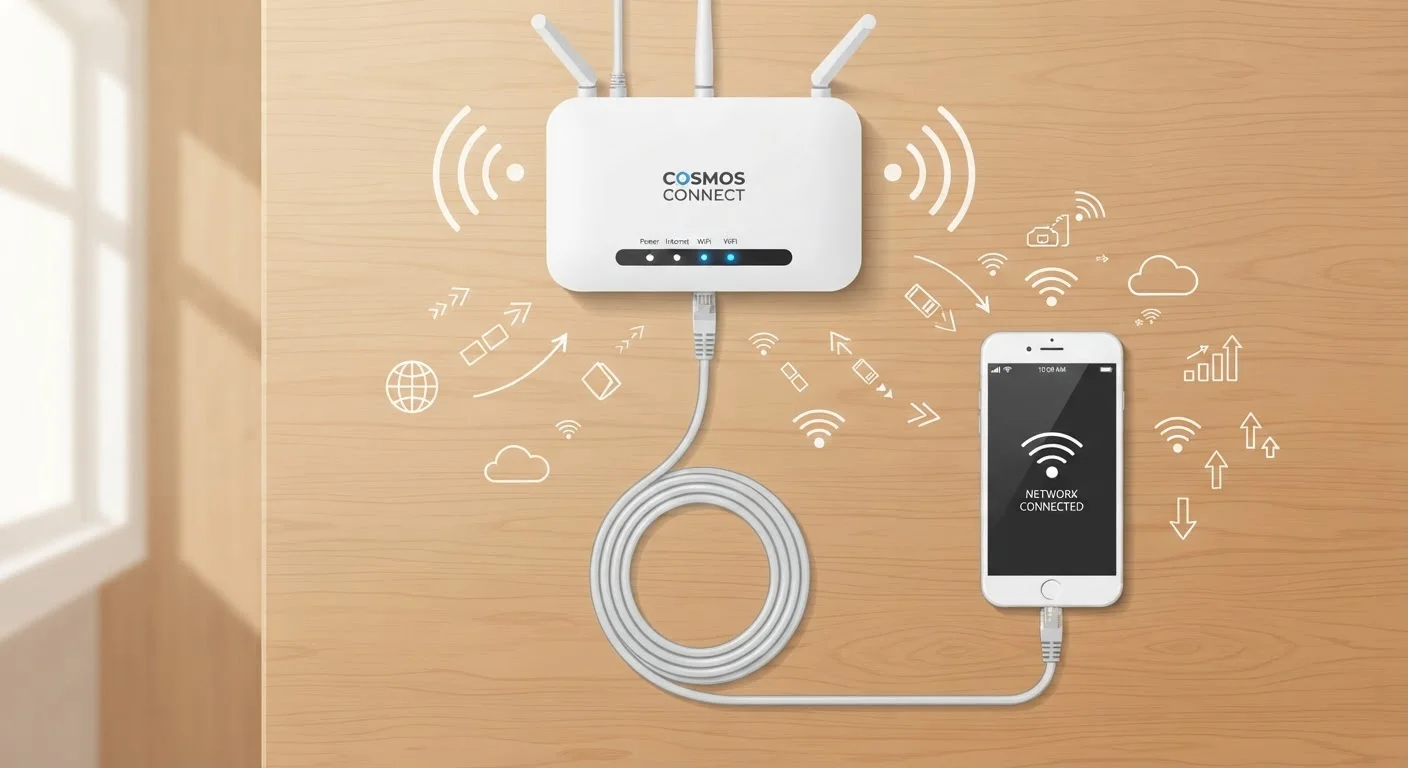
Two pieces of equipment sit at the center of almost every home internet setup: the modem and the router. Your modem is the gateway between your ISP's network and your home; your router is the traffic manager inside your home. Many ISPs supply a combined unit - sometimes called a gateway - that handles both functions in one box.
Renting vs. Owning Your Equipment
Many ISPs charge a monthly rental fee for a combined modem-router unit. Purchasing a compatible modem and router outright can reduce your ongoing bill - but you'll want to confirm compatibility with your ISP before buying. Check your ISP's approved device list, which is typically available on their website.
Inside your home, devices can connect to the router either wirelessly (Wi-Fi) or through a physical ethernet cable. Ethernet is generally the more reliable choice for devices that don't move - like desktop computers or smart TVs - because it avoids the interference and distance limitations of wireless signals.
Wi-Fi routers broadcast on one or more frequency bands. The 2.4 GHz band covers a larger area but is slower and more prone to interference from neighboring networks and household appliances. The 5 GHz band delivers faster speeds but doesn't travel as far through walls. Many modern routers, including mesh systems (networks of multiple access points placed around a home), manage band selection automatically.
For guidance on devices that connect to your network, explore Devices & Gadgets. To understand how your connection and equipment relate to online privacy, the Online Safety and the companion encryption glossary are useful next steps.
The content on this site is provided for informational purposes only and should not be considered a substitute for professional advice. While we strive to provide accurate and up-to-date information, we make no guarantees regarding its completeness or accuracy. Always consult a qualified professional for advice specific to your circumstances before making any decisions.