

Option A
Dedicated Password Manager
The purpose-built, security-first approach to credential storage.
Best for: Anyone who wants stronger encryption, cross-browser access, and advanced features like breach alerts and secure sharing.
Option B
Browser-Saved Passwords
The convenient, built-in option already on most devices.
Best for: Users who stay within one browser ecosystem and want zero-friction saving with no additional software.
How Each Approach Actually Works
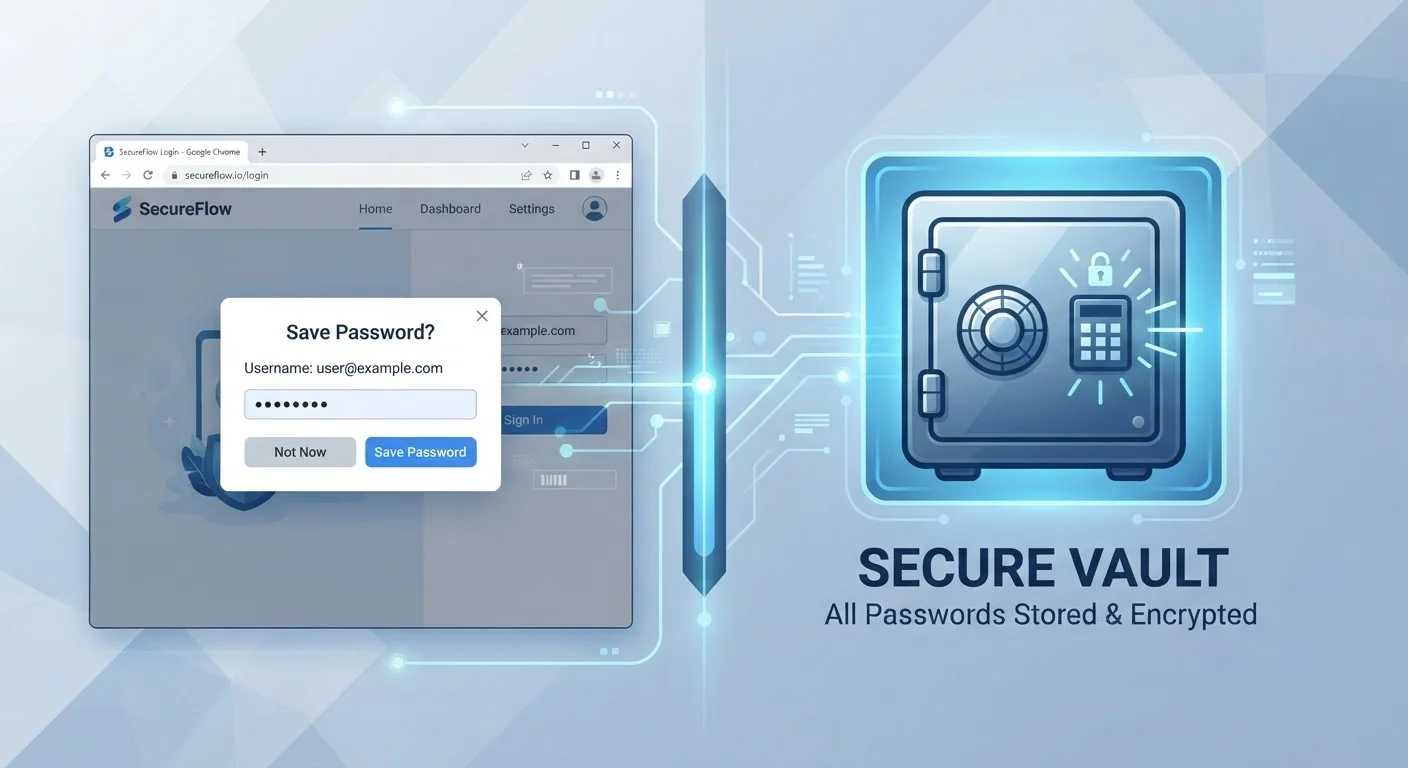
When you save a password in a browser like Chrome, Firefox, or Safari, the credential is stored locally on your device and synced to your browser account in the cloud. The encryption protecting those credentials is generally tied to your operating system account or browser profile login - meaning that if someone gains access to your device while it's unlocked, or compromises your Google or Apple account, your stored passwords may be accessible.
A dedicated password manager - a standalone app or service designed specifically for credential storage - takes a different architectural approach. Your passwords are encrypted with a master password that only you know, using a method called zero-knowledge encryption. This means the service itself cannot read your stored data, even in theory. The vault is accessible across any browser or device after installing the app.
Understanding this distinction matters because the security of your passwords is only as strong as the layer protecting them. For a deeper look at layering your defenses, see our personal online security checklist.
Security Trade-Offs Side by Side
The differences between the two approaches become clearest when you examine specific security dimensions. Browser-saved passwords have improved considerably - most major browsers now include breach-detection alerts and generate strong passwords. But dedicated managers still hold notable advantages in several areas.
| Criterion | Password Manager | Browser-Saved Passwords |
|---|---|---|
| Encryption model | Zero-knowledge, independent of OS | Tied to browser/OS account |
| Cross-browser access | Works on all browsers | Limited to same browser |
| Breach monitoring | Usually included | Available in some browsers |
| Password generation | Built-in, highly configurable | Available in major browsers |
| Secure sharing | Supported with encryption | Not available |
| Setup effort | Requires installation and setup | Zero - built into browser |
| Device theft risk | Master password still required | Accessible if device is unlocked |
One of the most significant gaps is portability. If you switch browsers or need credentials on a device where your primary browser isn't available, browser-saved passwords can be difficult to access. Password managers, by contrast, are browser-agnostic. This also matters for common security habits that create vulnerabilities, such as logging into accounts on unfamiliar devices.
The Role of Convenience - and Where It Cuts Both Ways
Browser saving wins on friction: there's nothing to install, no master password to remember, and the autofill works seamlessly within the browser you already use. For many people, that low barrier is exactly what gets them to stop reusing passwords - which is the most consequential improvement most users can make.
However, convenience can mask real risks. If your device is stolen unlocked, or if a family member or coworker uses your browser profile, your saved passwords are directly reachable. Dedicated managers add a layer of authentication - typically a master password plus optional biometrics - before any credential is revealed or autofilled.
It's also worth noting that either tool works best when combined with two-factor authentication (2FA) on your accounts. Our guide on two-factor authentication explains how that second layer stops attackers even when a password is exposed. Good credential storage and 2FA together form a much stronger defense than either alone.
Neither Tool Replaces Strong, Unique Passwords
A password manager or browser tool is only as useful as the passwords it stores. Both options include password generators - use them. Creating a unique, random password for every account is the single most impactful step you can take, regardless of where those passwords are stored. Reusing even a strong password across multiple sites remains a significant risk.
Building consistent habits around whichever tool you choose is what ultimately determines your security posture. See practical digital habits that actually stick for guidance on making security routines sustainable.
The content on this site is provided for informational purposes only and should not be considered a substitute for professional advice. While we strive to provide accurate and up-to-date information, we make no guarantees regarding its completeness or accuracy. Always consult a qualified professional for advice specific to your circumstances before making any decisions.