

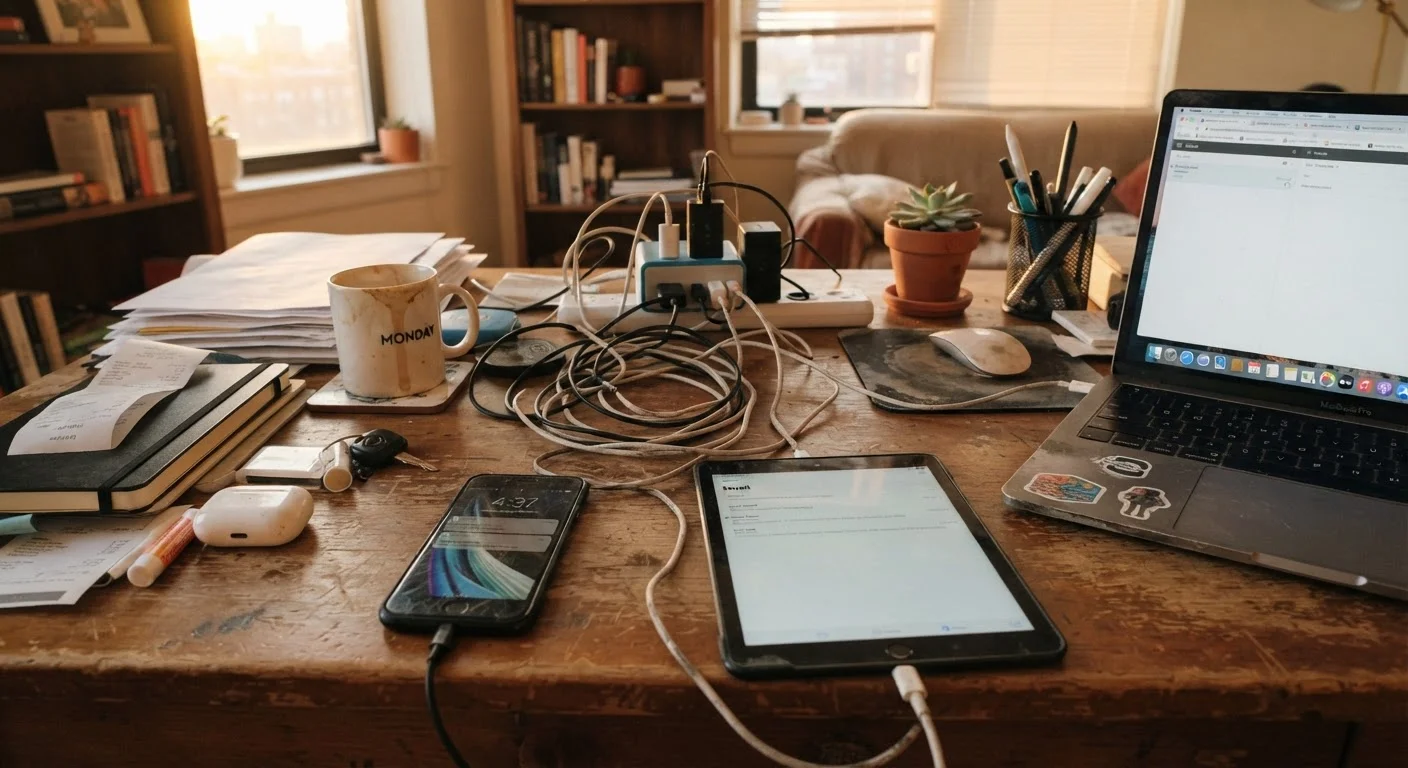
Why Small Habits Add Up to Big Damage
Most people don't drop their phone in a pool or run over their laptop. Device wear usually happens in quieter ways - a charging habit here, a storage shortcut there - until one day the battery barely lasts through lunch or the device slows to a crawl. Understanding what's actually happening at a hardware and software level can help you make small adjustments that pay off over years of ownership.
The habits below are among the most common culprits. None of them require expensive gear or technical knowledge to fix - just a little awareness of what you're doing daily. If you've also noticed your phone behaving oddly, check out how default phone settings can work against you for related issues worth addressing.
Leaving your phone at 100% charge overnight
Lithium-ion batteries - the type in virtually every modern smartphone, tablet, and laptop - experience the most chemical stress at the extreme ends of their charge range. Keeping a battery at full charge for extended periods, such as plugging in overnight every night, accelerates a process called lithium plating, which permanently reduces capacity over time.
Many devices now include settings labeled "optimized charging" or "battery health management" that slow or pause charging at 80% and resume before you typically wake. Enabling this feature, if your device supports it, is one of the simplest steps you can take. Aiming to keep your charge between roughly 20% and 80% during normal use is the general guidance most battery researchers point to for maximizing longevity.
Charging to 100% every night accelerates battery degradation faster than most people realize.
Using fast charging as your default every time
Fast charging is genuinely useful when you're in a hurry, but it works by pushing more electrical current through the battery at once, which generates additional heat. Heat is one of the primary enemies of lithium-ion cells. Relying on fast charging for every single session - even when you have ample time - means your battery is running hotter on a daily basis.
A practical approach: use standard charging overnight or when you have an hour or more to spare, and reserve fast charging for situations where speed genuinely matters. This isn't about avoiding fast charging altogether, but about not treating it as the default when there's no reason to.
Fast charging generates extra heat that quietly wears down battery cells with every session.
Letting devices overheat in cars and direct sunlight
A car dashboard on a sunny day can reach temperatures well above 130°F - far outside the safe operating range for most consumer electronics, which manufacturers typically list as 32°F to 95°F for active use. Repeated heat exposure causes battery swelling, degrades internal adhesives, and can warp components that were never designed to flex under thermal stress.
The same risk applies to leaving devices on a sunny windowsill or in a bag left in a hot car trunk. Cold extremes matter too: operating a phone in very cold conditions can cause temporary battery shutdowns and, over time, contribute to capacity loss. When temperatures are extreme, store devices in a bag or interior pocket rather than leaving them exposed.
A hot car interior can push your device well beyond its safe operating temperature in minutes.
Ignoring software and firmware updates
It's easy to dismiss update notifications as an inconvenience, but skipping them has two distinct costs. First, updates frequently include performance optimizations that help older hardware run more efficiently - meaning a device running old software may perform worse than it should. Second, outdated software leaves known security vulnerabilities unpatched, which is a separate but serious concern covered in more detail in our look at habits that quietly undermine online security.
Firmware updates - which govern how your device's hardware components communicate - can also affect battery management algorithms. A device running outdated firmware may charge or discharge in ways that are harder on the battery than the manufacturer intended.
Skipping updates leaves your device both slower and more exposed than it needs to be.
Storing devices with full or dead batteries long-term
If you're putting a device away for more than a few weeks - a spare tablet, an older phone - the charge level at storage time matters. Storing a lithium-ion device at 0% can cause the battery to fall below its minimum threshold, sometimes making it unable to accept a charge at all. Storing at 100% sustains the chemical stress described above for a prolonged period.
The general guidance from battery researchers and device manufacturers is to store devices at roughly 50% charge, in a cool and dry location. Check in every few months to keep the battery from drifting too far in either direction.
Long-term storage at 0% or 100% can permanently damage a battery before you ever use the device again.
Never cleaning ports, vents, or screens properly
Lint and debris accumulate in charging ports over time, and in severe cases can prevent a proper connection or even cause charging components to fail. Dust inside laptop and tablet vents blocks airflow, forcing the cooling system to work harder - which means higher internal temperatures and shorter component life.
Cleaning ports with a toothpick or a purpose-made tool (never metal objects or compressed air aimed directly into a charging port) and wiping vents with a soft brush periodically can prevent buildup from becoming a hardware problem. Screen cleaning matters too: abrasive materials scratch oleophobic coatings, making touchscreens less responsive over time. Use a microfiber cloth; avoid paper towels.
Lint in a charging port can silently cause connection failures long before you notice any problem.
Running storage at or near capacity constantly
Operating a device with almost no free storage affects performance noticeably and, over time, can contribute to wear on flash storage components. Operating systems need working space to manage files, write temporary data, and perform background tasks efficiently. A phone or laptop consistently at 95% capacity is working harder than one with reasonable headroom.
As a rule of thumb, keeping at least 10-15% of storage free helps maintain consistent performance. If you're regularly hitting your storage ceiling, it's worth understanding your options - our guide to smartphone storage and cloud options breaks down the practical choices clearly.
Running storage near its limit forces your device's operating system to work inefficiently every day.
Build Habits That Make Devices Last
Gadget longevity isn't about treating your devices like museum pieces - it's about swapping a handful of careless routines for slightly more deliberate ones. Most of the fixes above take seconds to implement and cost nothing. Over a two- to four-year device cycle, those seconds compound into a meaningfully healthier device.
If you're thinking about what hardware is actually worth your investment, our guide on phone specs that actually matter can help you focus on what counts. And keeping your devices running well is only half the picture - it's equally worth reviewing safer digital habits that protect your data so the software side of your devices stays just as healthy as the hardware.
One Easy Starting Point
If you only make one change after reading this, enable your device's built-in battery optimization setting. On most modern iPhones and Android devices, this feature is buried in battery settings and is often off by default. It's the single highest-impact, lowest-effort adjustment for long-term battery health - and it takes about 30 seconds to activate.
The content on this site is provided for informational purposes only and should not be considered a substitute for professional advice. While we strive to provide accurate and up-to-date information, we make no guarantees regarding its completeness or accuracy. Always consult a qualified professional for advice specific to your circumstances before making any decisions.