

Our Verdict
No single streaming device type wins outright - the right choice depends on how you watch, what TV you own, and how much you value portability versus performance. Streaming sticks suit casual viewers on a budget, boxes reward enthusiasts who want reliability and storage, and smart TV apps work best for those who prefer simplicity and already own a capable smart TV.
| Best for | Recommended |
|---|---|
| Budget-conscious or occasional viewers | Streaming Stick |
| Power users and households with multiple services | Set-Top Box |
| Those who prefer minimal hardware clutter | Smart TV Built-In Apps |
| Renters or frequent movers who need flexibility | Streaming Stick |
How Each Device Type Works
All three streaming options deliver on-demand video and live content over your home internet connection, but they get there differently.
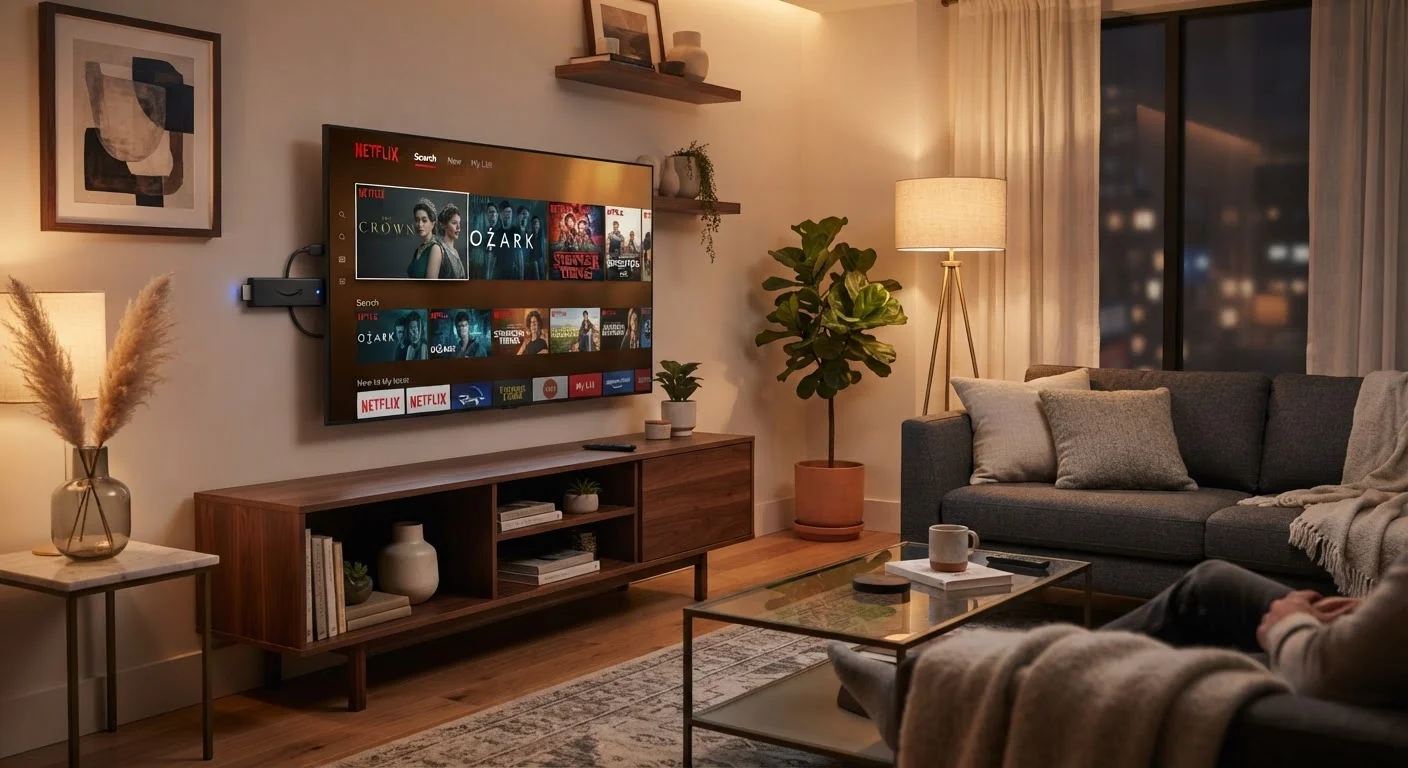
Streaming sticks are compact dongles - typically plugging directly into a TV's HDMI port and drawing power from a USB port or wall adapter. They run a lightweight operating system and connect wirelessly to your router. Popular stick form factors include both thumb-drive-sized units and slightly larger puck-shaped remotes.
Set-top boxes (sometimes called streaming boxes or media players) are standalone units that sit near your TV and connect via HDMI. They tend to use more capable processors, include dedicated storage, and often support wired Ethernet connections - an advantage for households where Wi-Fi signal is inconsistent.
Smart TV built-in apps are software platforms pre-installed by the television manufacturer. No extra hardware is required; the TV itself handles streaming through its own processor and operating system. The user experience varies significantly by manufacturer and TV age.
Understanding your internet setup is foundational to any of these choices. See what internet speed you actually need before settling on a device, since 4K HDR streaming requires considerably more bandwidth than HD.
Performance and Reliability
Processing power separates the field more than any other single factor. Streaming sticks use compact chips that handle standard HD and 4K playback well under normal conditions, but can slow down noticeably when switching apps, loading large content libraries, or running multiple background processes. If your stick is a few years old, you may notice lag that a newer or more capable device would eliminate.
Set-top boxes generally carry faster processors and more RAM, which translates to smoother navigation, quicker app launches, and more consistent 4K and Dolby Vision performance. For households that stream heavily - multiple users, simultaneous streams, or frequent app switching - a box's extra headroom is noticeable.
Smart TV platforms fall on a wide spectrum. A high-end TV released in the past two or three years may outperform a budget streaming stick. An older smart TV, however, often runs a discontinued or unsupported software version, meaning apps may stop receiving updates or disappear entirely from the platform. This is one reason many users who own smart TVs still choose to add a dedicated streaming device.
| Streaming Stick | Set-Top Box | Smart TV Built-In | |
|---|---|---|---|
| Typical cost | Low | Moderate to high | Included with TV |
| Processing power | Basic to moderate | Moderate to high | Varies widely by TV age |
| Portability | High - pocket-sized | Low - stationary unit | None - built into TV |
| Wired Ethernet option | Rarely (adapter needed) | Common | Varies by TV model |
| Software update longevity | Strong | Strong | Inconsistent |
| Setup complexity | Very easy | Easy | Minimal - no hardware |
| 4K HDR support | Common on newer models | Common | Common on newer TVs |
Software Updates, App Support, and Ecosystem
Software longevity is one of the most overlooked considerations. Dedicated streaming device makers - whose entire business model centers on the platform - have a strong incentive to push regular updates and maintain broad app compatibility. Smart TV manufacturers, by contrast, prioritize hardware sales, and software support timelines for older models are often shorter or less clearly communicated.
App availability is broadly similar across all three categories for major services. The differences emerge with niche or regional apps, gaming-adjacent streaming services, and newer platforms that launch on dedicated devices before reaching smart TV storefronts.
Ecosystem fit also matters. If your household already uses a particular voice assistant ecosystem - for example, for smart home control - choosing a streaming device that integrates with that ecosystem can simplify daily use. For a broader look at how streaming fits into a connected home, our smart home first-timer's guide explains how these devices can work together.
Portability, Setup, and Practical Fit
Streaming sticks travel easily. Slipping one into a bag and plugging it into a hotel TV, a vacation rental, or a second monitor is straightforward - a genuine advantage for frequent travelers or people who move often. Boxes, being larger and requiring power adapters and cables, are more permanent fixtures.
Setup complexity is low across all three categories. Sticks and boxes typically walk users through Wi-Fi connection and account sign-in within minutes. Smart TV apps require no hardware setup at all, though navigating the TV's interface to find and install apps varies by platform.
One practical note: the type of internet connection in your home affects every streaming device equally. Fiber and cable connections generally deliver the consistency that 4K streaming demands, while satellite or fixed wireless connections may introduce latency. Understanding your internet service type helps set realistic expectations for any device you choose.
The decision framework is simpler than the marketing makes it seem: match the device to your usage pattern, your TV's age and capability, and how much you value portability versus plug-in-and-forget simplicity.
The content on this site is provided for informational purposes only and should not be considered a substitute for professional advice. While we strive to provide accurate and up-to-date information, we make no guarantees regarding its completeness or accuracy. Always consult a qualified professional for advice specific to your circumstances before making any decisions.