

Our Verdict
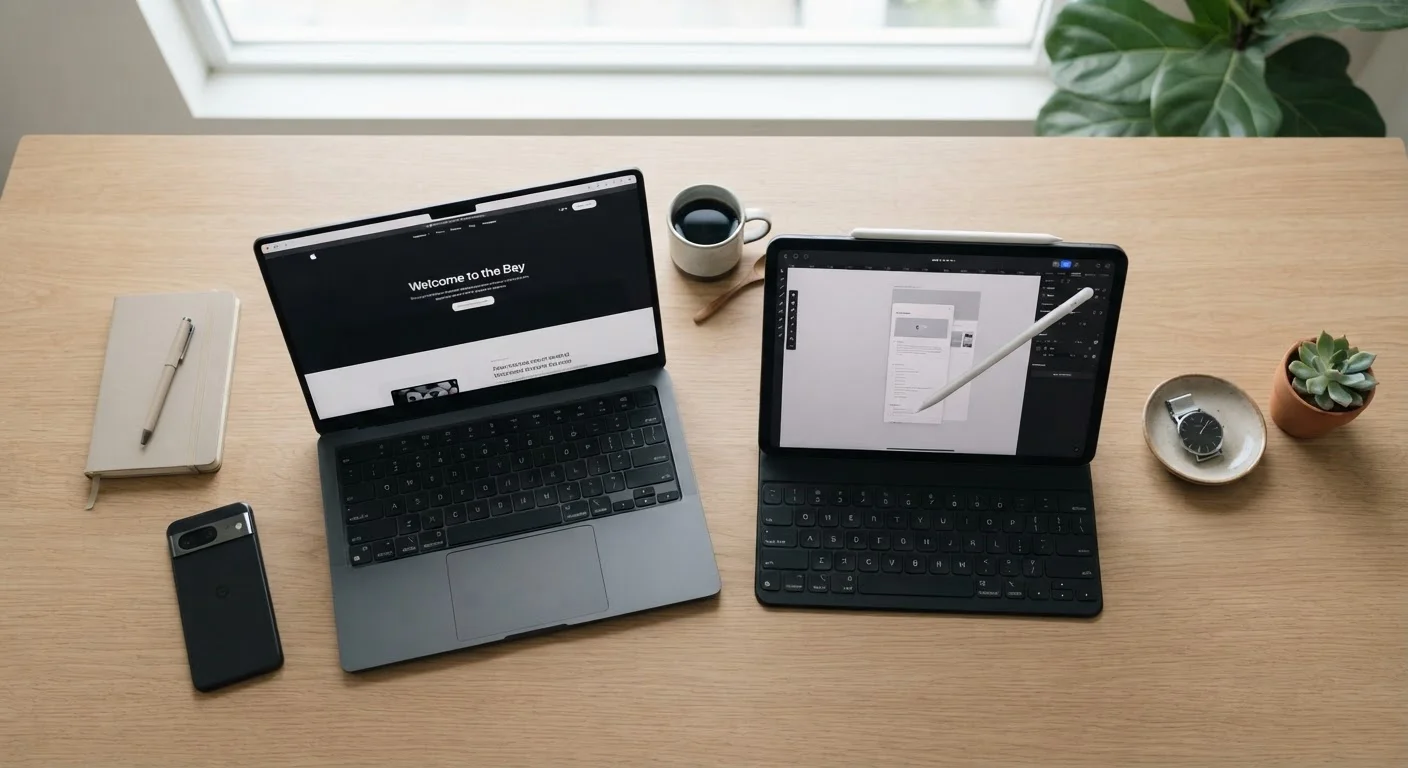
Laptops still hold a clear edge for people who write, create, code, or work with complex software. Tablets shine for consumption, casual use, and travel - especially if you already have a desktop or phone handling heavy lifting. The gap is narrowing, but it hasn't closed.
| Best for | Recommended |
|---|---|
| Professionals and students who write, code, or manage files | Laptop |
| Readers, streamers, and light web browsers who value portability | Tablet |
| Those who want a single versatile device for both work and leisure | Laptop |
| People who already own a computer and want a lighter companion device | Tablet |
Why This Question Is Harder to Answer Than It Used to Be
A few years ago, tablets and laptops occupied clearly separate territory. Tablets were for reading and video; laptops were for getting things done. Today, many tablets run desktop-class processors and support physical keyboards and styluses. Meanwhile, some ultra-thin laptops are barely heavier than a premium tablet with a keyboard case attached.
That convergence is real - but it's also easy to overstate. Despite overlapping specs, these two device categories are still designed around different assumptions about how you'll spend most of your time. Understanding that distinction matters more than any spec sheet.
The same kind of honest, lifestyle-first thinking applies to other common decisions - like the one explored in our pen-and-paper vs. digital budgeting comparison, where the right tool depends entirely on your habits rather than which option sounds more modern.
Where Laptops Still Have a Real Advantage
If your day involves writing documents, building spreadsheets, editing photos or video, coding, or managing multiple applications at once, a laptop is still the more capable tool. Here's why:
- Physical keyboard: A built-in keyboard changes how much you can produce. Even the best tablet keyboard accessories require an extra purchase and often compromise on key travel and feedback.
- File management: Laptop operating systems - Windows and macOS - are built for complex file structures, multi-window workflows, and desktop-grade software. Most tablet operating systems are still catching up on these fronts.
- Peripheral support: Plugging in an external monitor, a USB drive, or specialized hardware is generally straightforward on a laptop. On a tablet, it often requires adapters or simply isn't supported.
- Long-session comfort: Laptops are ergonomically designed for extended use. Tablets held in hand or propped on a stand rarely match that comfort over hours of work.
| Laptop | Tablet | |
|---|---|---|
| Typing & writing | Built-in keyboard, ideal for long sessions | Requires accessory keyboard; less ergonomic |
| Portability | Heavier; needs a bag | Lighter; fits smaller bags or hands |
| Software depth | Full desktop OS; broad software support | Mobile OS; growing but still limited |
| Media consumption | Functional but less natural | Optimized touchscreen experience |
| Stylus / handwriting | Limited; trackpad only | Strong support on many models |
| Battery life (light use) | Varies; typically 8-12 hours | Often 10-15 hours or more |
| Peripheral connectivity | Native USB, HDMI, SD card support | Often requires adapters |
| Total cost (fully configured) | Mid-to-high; accessories included | Base price lower; accessories add up |
Where Tablets Genuinely Shine
Tablets aren't a compromise - they're a deliberate design choice optimized for a specific kind of use. If your needs center on the following, a tablet may serve you better than a laptop ever would:
- Media consumption: Streaming video, reading e-books, browsing social media, and casual gaming all feel more natural on a touchscreen held in hand.
- Portability: Most tablets weigh significantly less than even thin laptops and don't require the same bag space or setup time. For commuters or frequent travelers, this matters.
- Battery life: Tablets often run longer between charges than comparable laptops, especially for light tasks.
- Creative input with a stylus: For note-taking, sketching, or annotating documents, a good tablet stylus offers an experience no laptop trackpad or mouse can replicate.
If you decide on a tablet, protecting it matters just as much as choosing it. Our guide on everyday habits that quietly wear out your devices covers what to do - and avoid - to get the most from any device.
Try Before You Commit
If you're unsure which format fits your daily rhythm, visit a store and spend time actually using both. Typing a few paragraphs on a tablet keyboard attachment or navigating a laptop's trackpad for a few minutes often clarifies instincts that no spec comparison can. Your hands and habits will tell you more than any review.
The Questions That Actually Decide It
Rather than comparing processor benchmarks, ask yourself these four questions:
- Do I type for long stretches regularly? If yes, a laptop's built-in keyboard is hard to replace.
- Do I use specialized software tied to Windows or macOS? Many professional tools - accounting platforms, engineering software, certain creative suites - don't have full tablet equivalents.
- Is this my only device? If a laptop or desktop already handles your heavy work, a tablet can be an ideal companion rather than a compromise.
- Where and how do I use devices? Couch browsing and travel favor tablets. Desk-based work favors laptops.
One more consideration: cost. Tablets can seem less expensive at entry level, but once you add a quality keyboard case and stylus, the total price often rivals a capable laptop. Budget with the full use case in mind, not just the base device price.
53%
U.S. adults who own a tablet
According to Pew Research Center survey data, roughly half of American adults report owning a tablet device.
~2 lbs
Typical weight difference
Many mid-range tablets weigh around 1 pound, while entry-level laptops commonly start near 3 pounds - a meaningful gap for daily carry.
The content on this site is provided for informational purposes only and should not be considered a substitute for professional advice. While we strive to provide accurate and up-to-date information, we make no guarantees regarding its completeness or accuracy. Always consult a qualified professional for advice specific to your circumstances before making any decisions.