

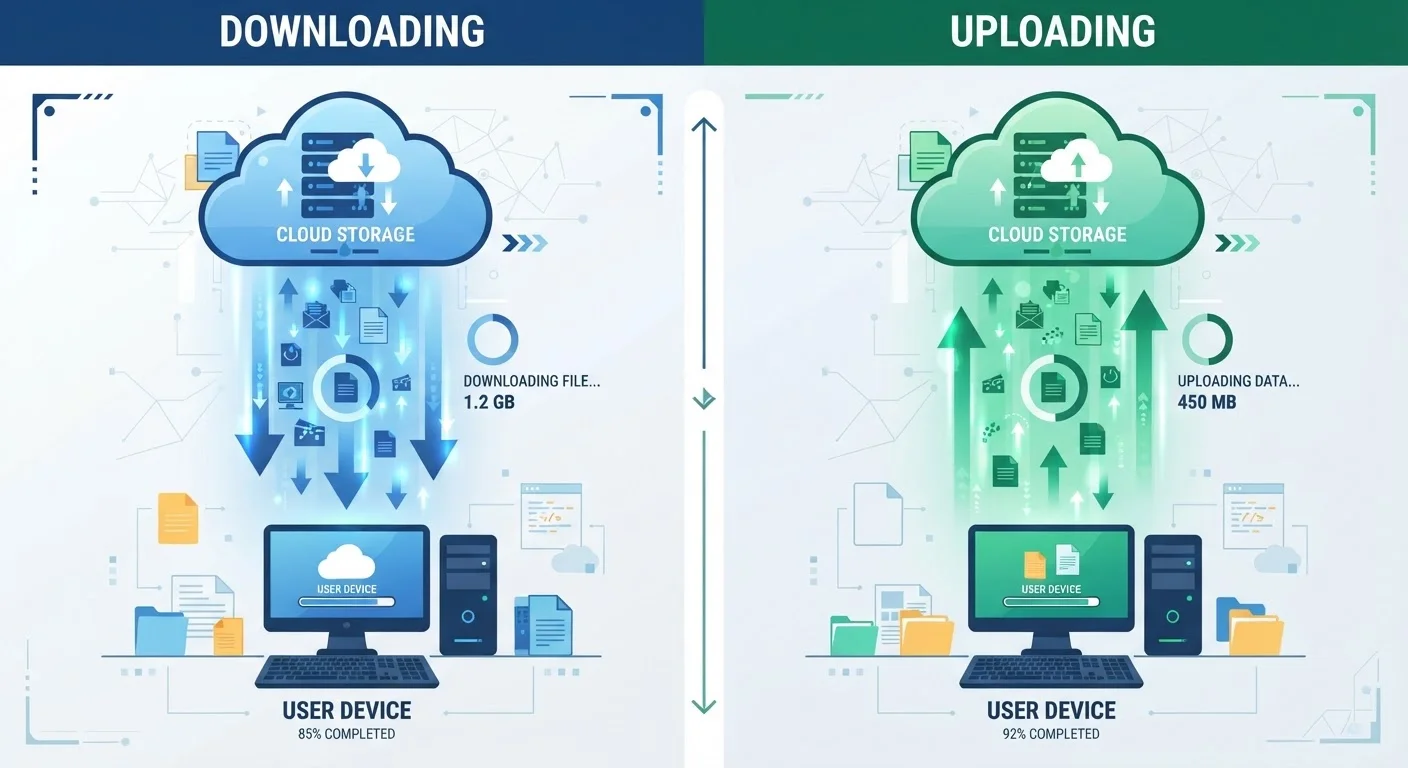
Option A
Download Speed
The speed at which data travels from the internet to your device.
Best for: Streaming video, browsing websites, loading apps, and receiving files - activities that make up the majority of typical household internet use.
Option B
Upload Speed
The speed at which data travels from your device to the internet.
Best for: Video calls, live streaming, cloud backups, remote work, and sharing large files where your device is the sender.
What Download and Upload Speed Actually Mean
Every piece of internet activity involves moving data in one of two directions. Download speed - measured in megabits per second (Mbps) or gigabits per second (Gbps) - describes how quickly data travels from a server on the internet to your device. Upload speed follows the same measurement but in reverse: how fast data leaves your device and travels outward to the internet.
When you open a webpage, your device downloads the text, images, and code that make up that page. When you send an email with an attachment, your device uploads that file to a mail server. Most of what people do online - streaming a show, loading a social media feed, downloading a software update - is download activity. That's why most internet service providers (ISPs) design their plans with considerably higher download speeds than upload speeds.
This imbalance is called an asymmetric connection. Cable and DSL internet are almost always asymmetric. Fiber internet, by contrast, commonly offers symmetric speeds, where download and upload are equal. Understanding which type of connection you have - and which direction your household stresses most - is the foundation for evaluating any internet plan. See our guide to matching speeds to your household habits for a deeper breakdown of Mbps ranges by activity.
When Download Speed Is the Bottleneck
For most households, download speed is the number that most directly shapes day-to-day experience. Streaming video in HD or 4K, loading large websites, gaming (receiving game-state data from servers), and installing apps all draw on download bandwidth. When multiple people are streaming simultaneously, each stream competes for the same download capacity.
A common rule of thumb used by the FCC and many ISPs is that HD video streaming requires roughly 5-25 Mbps per stream, depending on resolution and platform. 4K content can push that requirement higher. If your download speed falls short, you'll notice buffering, quality drops, and slow page loads - the most familiar forms of internet frustration.
| Criterion | Download Speed | Upload Speed |
|---|---|---|
| Direction of data flow | Internet → your device | Your device → internet |
| Typical plan allocation | Much higher (asymmetric plans) | Much lower (asymmetric plans) |
| Primary use cases | Streaming, browsing, gaming | Video calls, livestreaming, backups |
| Affected by multiple users | Yes - shared per stream | Yes - shared per active sender |
| Symmetric option available | Fiber internet | Fiber internet |
| Critical for remote work | Moderately - receiving files | Highly - video calls, uploads |
It's worth noting that even activities that feel interactive - like scrolling social media or loading a cloud document - are largely download-driven. Your device is continuously pulling data from remote servers, not pushing much of anything back. For these users, a plan with a strong download figure and a modest upload tier is often sufficient. That said, advertised speeds and real-world speeds often differ, so understanding what affects your actual throughput matters as much as the plan number itself.
When Upload Speed Becomes Critical
Upload speed becomes the defining factor the moment your device starts sending data rather than just receiving it. The clearest examples are video calls, livestreaming, and cloud backups.
On a video call, your camera feed and microphone audio are continuously uploaded to a conferencing server in real time. If your upload speed is too low - or fluctuates - other participants see you freeze, pixelate, or drop out entirely. This is a particularly important consideration for remote workers attending multiple calls each day. A common guideline suggests at least 3-5 Mbps of dedicated upload capacity per active video call, though high-definition video conferencing may require more.
Content creators who livestream to platforms like Twitch or YouTube Live, or who regularly upload large video files, face even steeper upload demands. A 1080p livestream at standard quality settings typically requires a sustained upload speed well above 5 Mbps - and that bandwidth must be stable, not just fast in short bursts. Cloud backup services also quietly consume upload capacity in the background, which can slow other upload-dependent tasks if your plan's upload tier is thin.
For a fuller picture of what else shapes your connection quality beyond raw speed numbers, see our article on internet latency and why ping matters.
Symmetric Speeds and Fiber Availability
Fiber internet connections commonly offer equal download and upload speeds - for example, 500 Mbps down and 500 Mbps up. This symmetry eliminates upload bottlenecks entirely for most household activities. Fiber availability varies significantly by location in the U.S., so check with local providers to see whether a fiber option exists in your area before making a plan decision.
Choosing a Plan With the Right Balance
When comparing internet plans, most listings lead with the download speed - often in large print - while the upload speed appears in smaller text or fine print. Resist the habit of ignoring that second number. A plan advertised as "500 Mbps" may only include 20-50 Mbps upload, which is adequate for casual use but limiting for a household with remote workers or frequent video calls.
To evaluate whether a plan's upload speed meets your needs, map your household's upload-intensive activities: How many people regularly video-call at the same time? Does anyone livestream or upload large files regularly? Does your household use cloud-based storage that syncs automatically? Each affirmative answer adds to your upload demand.
Connection type also shapes your options here. If fiber is available in your area, it's worth comparing symmetric plans against standard cable offerings - the upload parity can make a meaningful difference for upload-heavy households. If fiber isn't available, some cable providers offer upgraded tiers with improved upload speeds, though true symmetry remains uncommon outside fiber. You can also explore how your physical setup affects delivered speeds in our guide on wired vs. Wi-Fi connections at home.
Finally, be cautious about common misconceptions when shopping. Our piece on internet speed myths that trip up shoppers covers why a high headline number doesn't always translate to the experience you expect.
The content on this site is provided for informational purposes only and should not be considered a substitute for professional advice. While we strive to provide accurate and up-to-date information, we make no guarantees regarding its completeness or accuracy. Always consult a qualified professional for advice specific to your circumstances before making any decisions.