

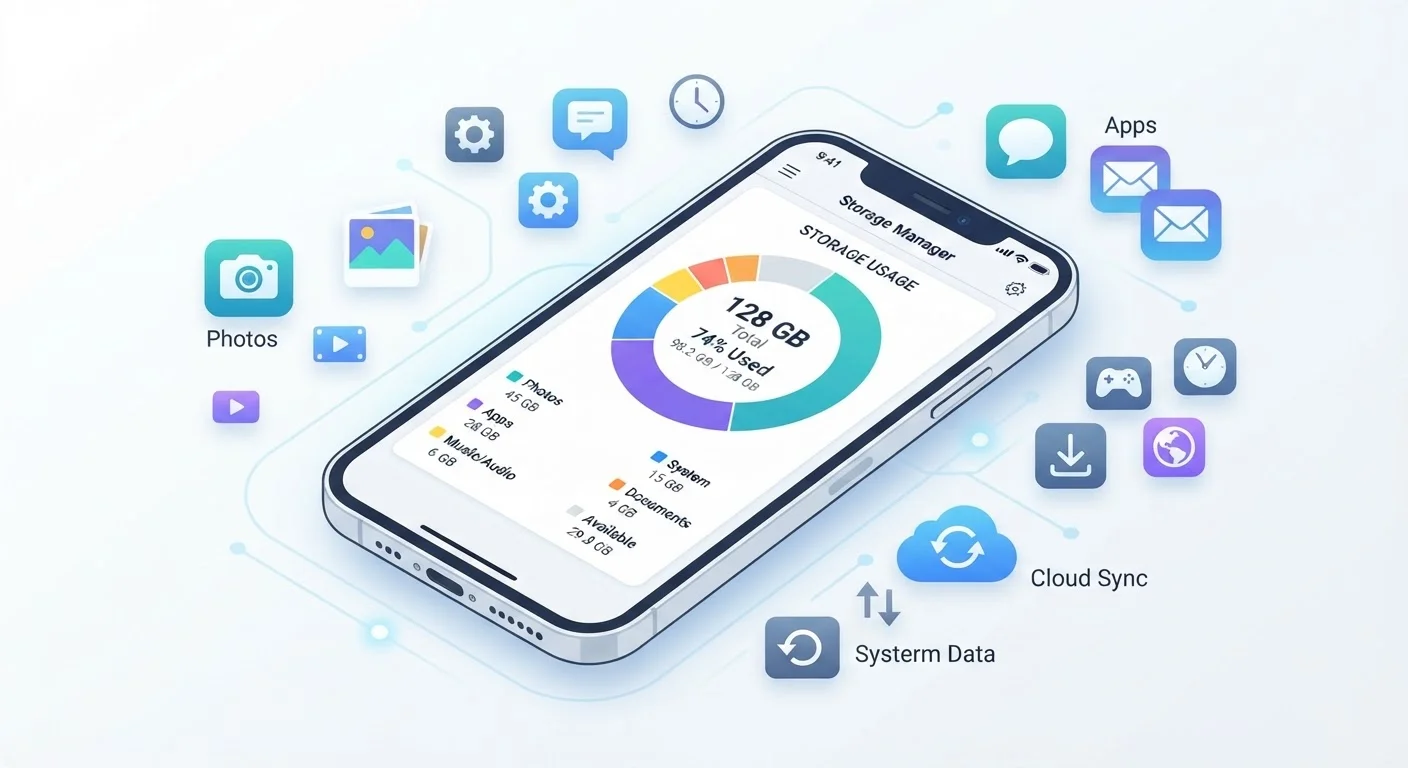
What Gigabytes Actually Mean in Daily Use
When a phone is listed as having 128 GB of storage, that number refers to how much data it can hold in total - think of it like the square footage of a house. But just as a furnished house has less usable floor space than an empty one, a new phone arrives with the operating system and pre-installed apps already taking up room. In practice, a 128 GB device typically offers around 110-115 GB of free space out of the box.
Here's a practical sense of what common content consumes:
- A photo taken on a modern smartphone: roughly 3-5 MB each
- One minute of 4K video: approximately 350-400 MB
- A typical mobile game: anywhere from 100 MB to several GB
- A music album (downloaded): around 100-150 MB
Those numbers compound fast. A weekend trip where you shoot an hour of 4K footage could consume over 20 GB on its own. This is why many users are surprised to find their phone's storage nearly full after just a year or two of regular use.
For context on how storage fits among other phone specifications, see our guide to phone specs that actually matter.
128 GB
Most common storage tier on new smartphones
Industry analysis consistently shows 128 GB as the baseline configuration for mid-range and flagship phones released in recent years.
~400 MB
Storage used per minute of 4K video
Apple and Android device documentation indicate 4K footage at 30 fps consumes roughly 350-400 MB per minute depending on compression settings.
15 GB
Free cloud storage offered by major platforms
Google and Apple each offer a base tier of free cloud storage (15 GB and 5 GB respectively) before a paid subscription is required.
How Cloud Storage Fits Into the Picture
Cloud storage solves a specific problem: it lets your phone act as a conduit rather than a warehouse. Instead of keeping every photo and video on the device itself, cloud services automatically upload your files to remote servers. Your phone then displays thumbnails or low-resolution previews, only pulling the full file when you actually open it.
Most smartphone platforms offer a built-in cloud option - these services typically provide a small amount of free storage, with additional capacity available through subscription plans. Third-party services offer alternatives with varying free tier sizes and pricing structures.
The key limitation of cloud storage is connectivity. If you're in an area with no signal or limited data, files stored exclusively in the cloud may be inaccessible. This matters for travelers in particular - see our overview of international roaming vs. local SIM options for how data access works when you're outside the US.
A practical approach: use cloud backup for photos and videos (which are usually the biggest space hogs), while keeping frequently used apps and a small offline media library on-device.
Signs You're About to Run Out - and What to Do
Phones running low on storage tend to show symptoms before displaying an outright warning. Slow performance, apps crashing unexpectedly, and a camera refusing to save new photos are common indicators. When storage drops below roughly 10-15%, some operating systems begin to struggle with routine tasks.
The most effective first steps when space runs tight:
- Check storage usage by category. Both iOS and Android have built-in storage screens that break down usage by apps, photos, videos, and system data. This tells you exactly where to focus.
- Offload large videos. Transfer them to a computer or cloud service, then delete the local copies.
- Clear app caches. Android lets you clear cached data per app. On iOS, deleting and reinstalling a bloated app achieves a similar result.
- Review downloaded content. Offline playlists, podcast episodes, and downloaded maps accumulate silently - remove what you no longer use.
It's also worth revisiting your phone's default settings. Some configurations automatically save duplicate photos, store large email attachments on-device, or keep app data that you rarely access. Our article on phone settings that work against you covers these overlooked defaults in detail.
If storage problems are chronic, the longer-term fix is choosing a higher-capacity device at your next upgrade - internal storage cannot be added after purchase on most current phones.
Frequently Asked Questions
For most users, 128 GB strikes a reasonable balance between cost and capacity. Heavy video shooters or gamers may want 256 GB or more. Light users who rely on streaming and cloud backup can often get by with 64 GB, though that tier is becoming less common on newer devices.
No. Phone storage is the physical space built into your device. Cloud storage saves files on remote servers you access over the internet. Cloud storage supplements your phone's capacity but requires an internet or data connection to access files that aren't cached locally.
Part of the advertised space is consumed by the operating system and pre-installed apps before you ever open the box. A 128 GB phone might show around 110-115 GB of usable space. This is normal and not a defect.
Most modern iPhones and many Android flagships have no expandable storage slot. Some mid-range Android phones accept a microSD card, which can add significant capacity inexpensively. Check your specific model's specs before assuming either way.
Videos - especially those shot in high resolution - are the single largest storage consumers. Photos, large games, and cached app data also add up quickly. System files and the OS itself claim a meaningful portion of storage before you add anything.
Streaming itself doesn't permanently use storage, but apps often cache content temporarily to improve playback. Downloaded content - songs or episodes saved for offline listening - does consume permanent storage until you delete it.
The content on this site is provided for informational purposes only and should not be considered a substitute for professional advice. While we strive to provide accurate and up-to-date information, we make no guarantees regarding its completeness or accuracy. Always consult a qualified professional for advice specific to your circumstances before making any decisions.