

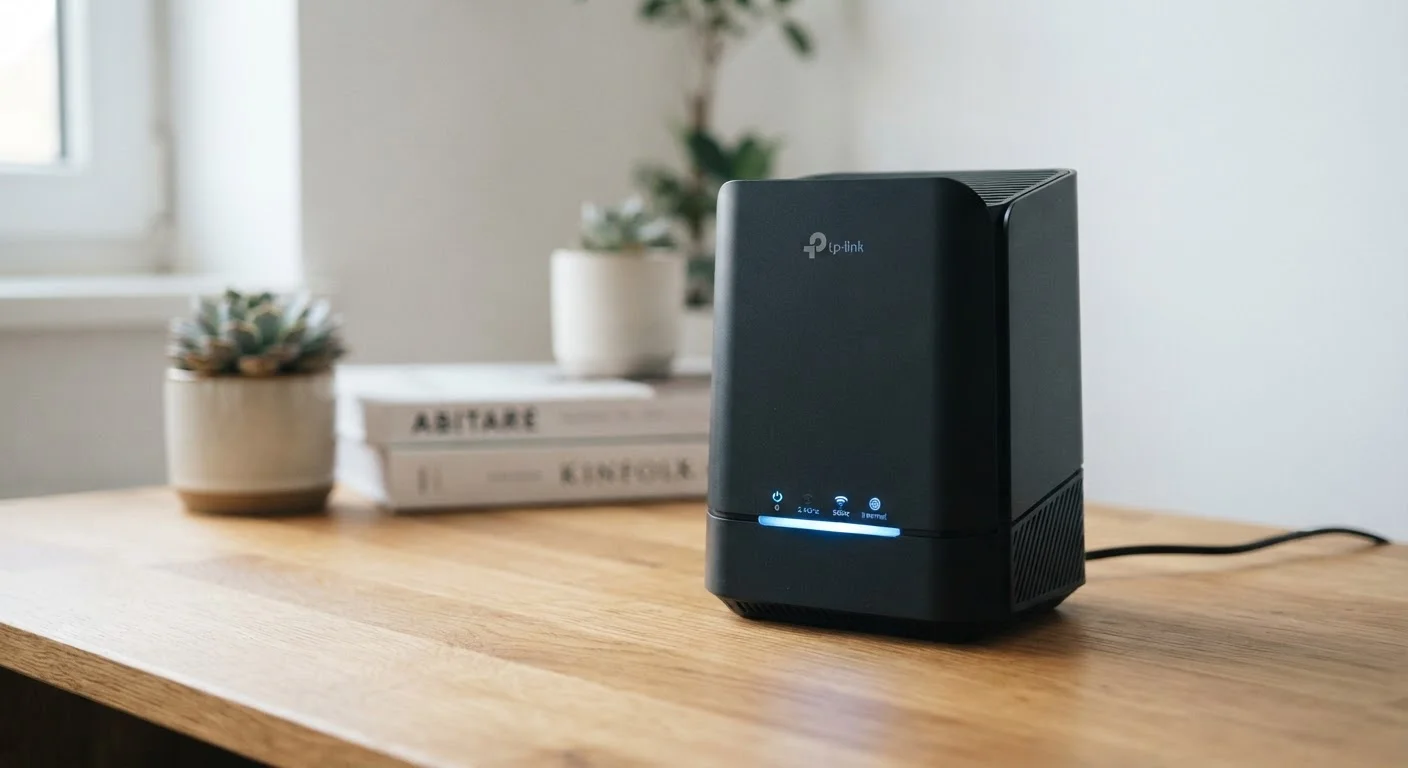
Option A
Wi-Fi 6 (802.11ax)
The current-generation standard built for congested, device-heavy networks.
Best for: Households with many simultaneous users and smart-home devices that demand consistent bandwidth.
Option B
Wi-Fi 5 (802.11ac)
The proven, widely-deployed standard that still meets most everyday needs.
Best for: Smaller households with moderate device counts and internet plans under 400 Mbps.
What Actually Changed Between Wi-Fi 5 and Wi-Fi 6
Wi-Fi 5 (formally known as 802.11ac) arrived in 2013 and became the dominant home wireless standard for nearly a decade. Wi-Fi 6 (802.11ax) was finalized in 2019 and introduced a set of efficiency-focused technologies rather than simply bumping raw speed numbers.
The headline figures are notable: Wi-Fi 6 has a theoretical maximum throughput of around 9.6 Gbps, compared to roughly 3.5 Gbps for Wi-Fi 5. In practice, no home network approaches either ceiling - the meaningful improvements are architectural. Wi-Fi 6 introduced OFDMA (Orthogonal Frequency Division Multiple Access), which allows a single router transmission to carry data for multiple devices at once, rather than serving them one after another. This reduces idle wait time on busy networks significantly.
Wi-Fi 6 also added Target Wake Time (TWT), a feature that lets devices schedule when they communicate with the router, allowing them to sleep in between and conserve battery - a genuine advantage for smart speakers, sensors, and other IoT (Internet of Things) gadgets throughout the home.
Finally, Wi-Fi 6 supports 1024-QAM modulation, which encodes more data per signal cycle than Wi-Fi 5's 256-QAM, contributing to higher throughput when signal conditions are favorable.
| Criterion | Wi-Fi 6 (802.11ax) | Wi-Fi 5 (802.11ac) |
|---|---|---|
| Theoretical max speed | ~9.6 Gbps | ~3.5 Gbps |
| Channel access method | OFDMA (multi-device simultaneous) | OFDM (one device at a time) |
| Best environment | Dense, device-heavy networks | Smaller, moderate-device households |
| IoT device battery efficiency | Yes - Target Wake Time (TWT) | No TWT support |
| Backward compatibility | Yes, works with Wi-Fi 5 and older | Yes, works with Wi-Fi 4 and older |
| Frequency bands | 2.4 GHz and 5 GHz | 5 GHz (some routers add 2.4 GHz) |
| Standard finalized | 2019 | 2013 |
When the Upgrade Makes a Practical Difference
Understanding the technology is one thing; knowing whether it matters in your home is another. The clearest case for Wi-Fi 6 is a household with a large number of simultaneously active devices. Streaming 4K video on multiple televisions, video conferencing, online gaming, and smart-home traffic all competing at once is where Wi-Fi 5's sequential scheduling can produce noticeable slowdowns - and where Wi-Fi 6's OFDMA architecture delivers measurable relief.
Your internet plan is often the real limiting factor. If your plan provides 200 Mbps, even a mid-range Wi-Fi 5 router can deliver that speed reliably throughout a typical home. Upgrading the router won't make a 200 Mbps plan faster. For subscribers to gigabit-tier plans who want to take full advantage of available bandwidth wirelessly, a Wi-Fi 6 router is better positioned to handle it. See how your wired connection compares in our look at wired vs. Wi-Fi connections at home.
Range is sometimes cited as a Wi-Fi 6 benefit, but the improvement is modest in real-world conditions. A well-placed Wi-Fi 5 router in a standard single-family home still provides adequate coverage for most floor plans. Building materials, router placement, and the presence of other wireless interference matter more than the generation of Wi-Fi in most cases. If you're comparing your home broadband options more broadly, our guide on fiber vs. cable internet covers how your connection type shapes performance.
Compatibility and What You Actually Need to Upgrade
Wi-Fi 6 is backward compatible with Wi-Fi 5 and older devices - a Wi-Fi 6 router will work with your existing smartphones, laptops, and tablets without any changes. However, devices only benefit from Wi-Fi 6 features if they also support the standard. A Wi-Fi 5 laptop connected to a Wi-Fi 6 router communicates using Wi-Fi 5 protocols; it doesn't magically gain new capabilities.
Most flagship smartphones and laptops released since 2020 include Wi-Fi 6 support. If your household's devices are older, the efficiency gains of a Wi-Fi 6 router will be largely untapped until those devices are eventually replaced.
This means a full upgrade - router plus compatible client devices - is the only way to realize Wi-Fi 6's full potential. For many households, that's a gradual process that happens naturally over several device refresh cycles rather than a deliberate mass replacement.
Wi-Fi 6E: A Note on the Newer Variant
Wi-Fi 6E extends the Wi-Fi 6 standard to include the 6 GHz frequency band, providing additional spectrum that reduces congestion in densely populated areas. Devices must specifically support 6 GHz to use this band. Wi-Fi 6E routers are available but carry a higher price premium, and compatible client devices are still relatively uncommon in most households. For most readers evaluating Wi-Fi 5 versus Wi-Fi 6, Wi-Fi 6E represents a further step rather than the immediate comparison at hand.
For homes where the internet connection itself is the concern rather than local network performance, it's worth reading about mobile hotspot vs. home broadband to understand whether your service type is the right fit for your needs.
The content on this site is provided for informational purposes only and should not be considered a substitute for professional advice. While we strive to provide accurate and up-to-date information, we make no guarantees regarding its completeness or accuracy. Always consult a qualified professional for advice specific to your circumstances before making any decisions.